The camera node / topic is not visible using ros2 node/topic list or rviz2
the rest of the simulation and nodes/topics seem fine
The camera node / topic is not visible using ros2 node/topic list or rviz2
the rest of the simulation and nodes/topics seem fine
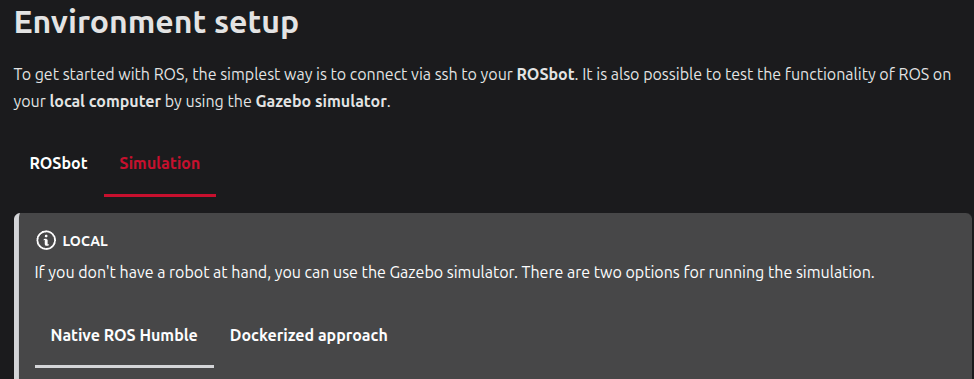
The attached tutorial link shows several ways to run the simulation. If you did it using Native ROS Humble, the robot configuration:=autonomy arg is missing in step 4.
echo "alias ROSBOT_SIM='ros2 launch rosbot_gazebo simulation.launch.py robot_model:=rosbot_xl configuration:=autonomy'" >> ~/.bashrc
. ~/.bashrc
However, your description is sketchy. If that’s not what you meant, please provide a more detailed explanation.
Hi @sundeepkp,
The topic name in the tutorial screenshot (/camera) is outdated.
The current rosbot_ros (Humble) publishes the OAK-D camera on /oak/... topics, not /camera. I verified this just now on husarion/rosbot-gazebo:humble with configuration:=autonomy. This corresponds to the physical configuration.
/oak/camera_info
/oak/rgb/color               <-- sensor_msgs/msg/Image
/oak/stereo/camera_info
/oak/stereo/depth
/oak/stereo/depth/points
/scan
/scan_filtered
In RViz2 add an Image display and set the topic to /oak/rgb/color (and PointCloud2 on /oak/stereo/depth/points for the depth cloud).
ros2 launch rosbot_gazebo simulation.launch.py \
    robot_model:=rosbot_xl \
    configuration:=autonomy
If the ROSBOT_SIM alias you mentioned hard-codes configuration:=basic, just call the launch file directly as above — or append configuration:=autonomy if your alias allows extra args.
Quick check:
ros2 topic list | grep -E 'oak|scan'
Grab the files from the docker/ directory on the humble branch:
Then from rosbot_ros/docker/:
Edit .env:
ROBOT_MODEL='rosbot_xl'
Edit compose.simulation.yaml, append configuration:=autonomy to the launch command:
command: >
  ros2 launch rosbot_gazebo simulation.launch.py
    robot_model:=${ROBOT_MODEL:?ROBOT_MODEL unset}
    configuration:=autonomy
Start it:
xhost +local:docker
docker compose -f compose.simulation.yaml up
Verify from inside the container:
docker compose -f compose.simulation.yaml exec rosbot bash
ros2 topic list
yes I actually discovered it a few hours ago . I felt so stupid after doing so. Thankyou so much for the help.
Don’t worry, I plan to update this documentation to Jazzy. Although I might only change it after Royal Lyric releases, as there are a lot of other things to take care of.