Hi,
I was trying to do an update on a new SD card to update my Panther v1.2+
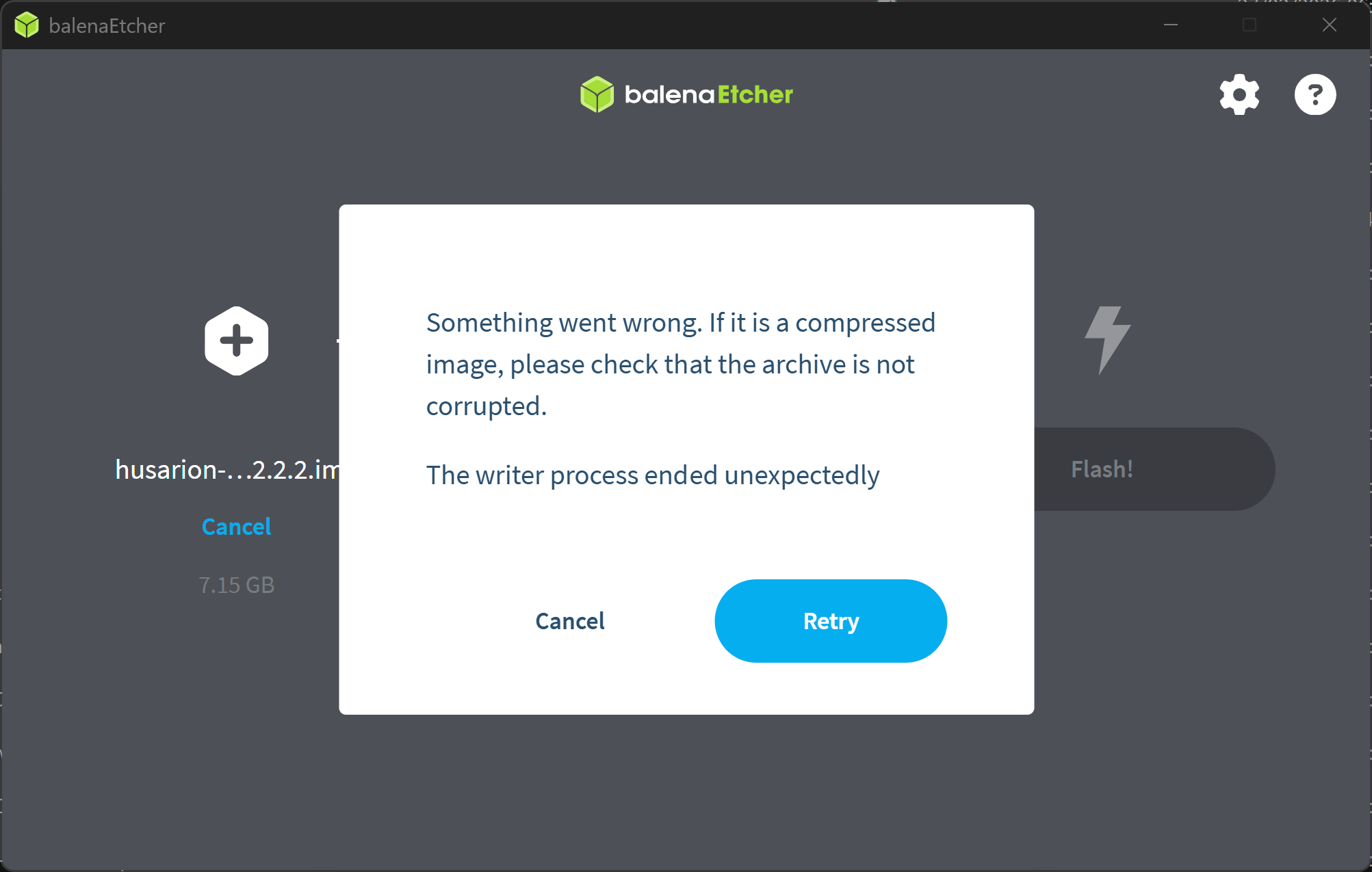
I used the latest husarion-ugv-rpi-ubuntu-24.04-v2.2.2.img.xz and balena Etcher as indicated in your user guide and the process does not seem to be able to finish. I am under Windows 11 for this operation.
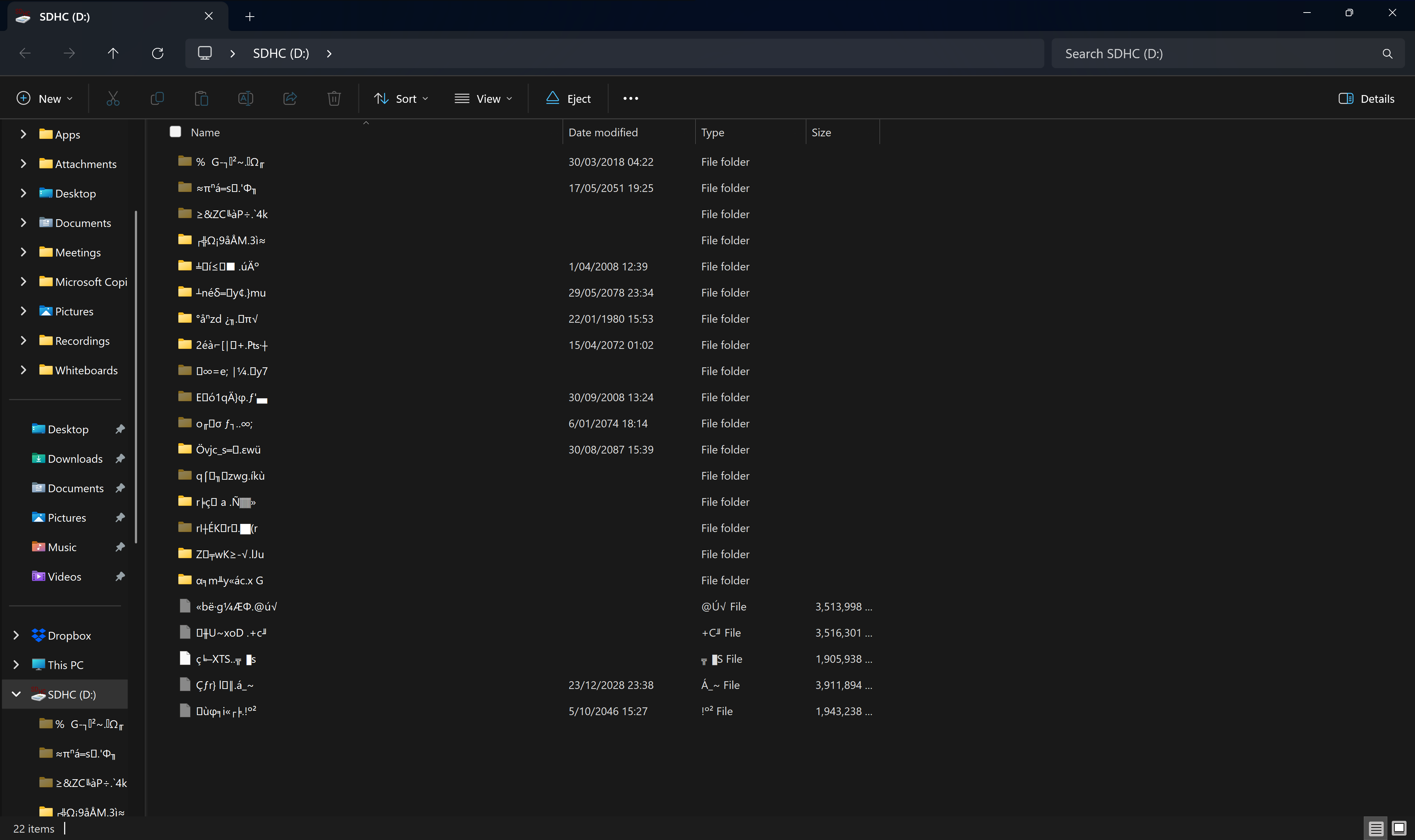
I am getting the error: if it is a compressed image, please check that the archive is not corrupted. Then the SD card dissapears and when I insert it again, the files seems indeed to have had an issue.
Do you select the husarion-ugv-rpi-ubuntu-24.04-v2.2.2.img.xz (compressed image) or the uncompressed image for flashing the SD card (husarion-ugv-rpi-ubuntu-24.04-v2.2.2.img)?
Thank you,
Nicolas